Everything you want to remember, in one calm place
Capture it your way
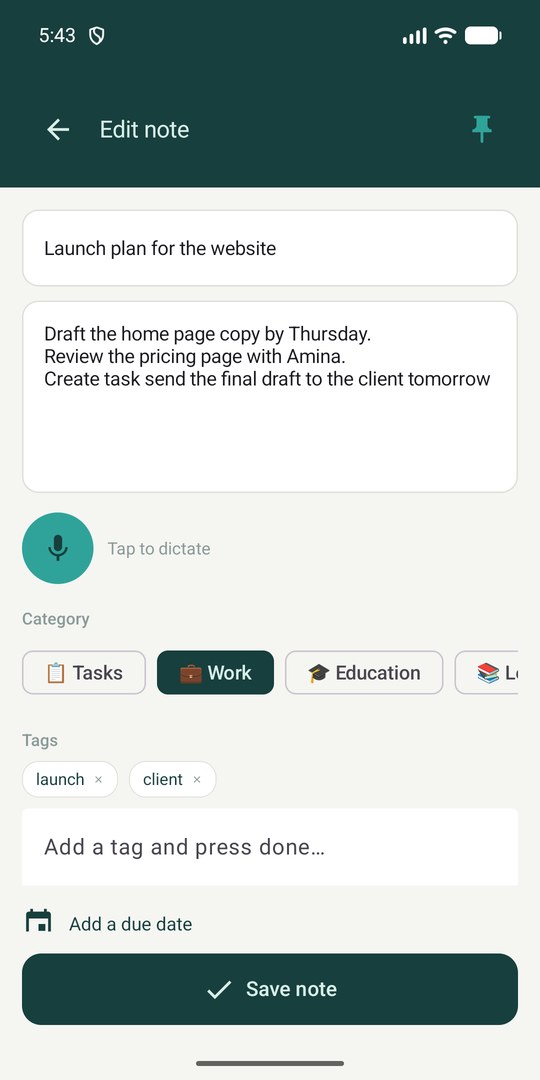
Type, paste or just speak. Dictate notes in 10 languages, add photos from the camera or gallery, and attach documents.
Stay organised
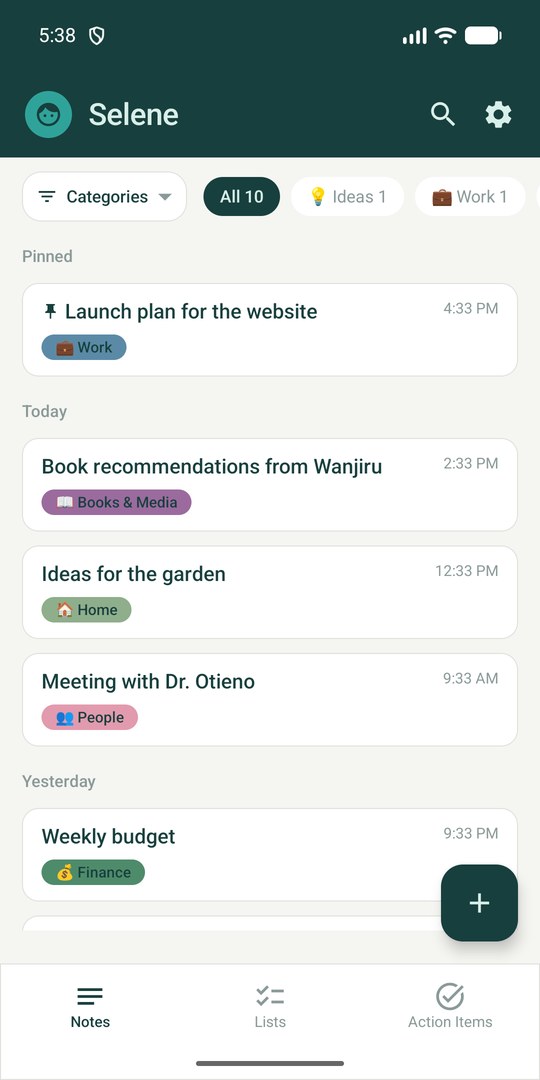
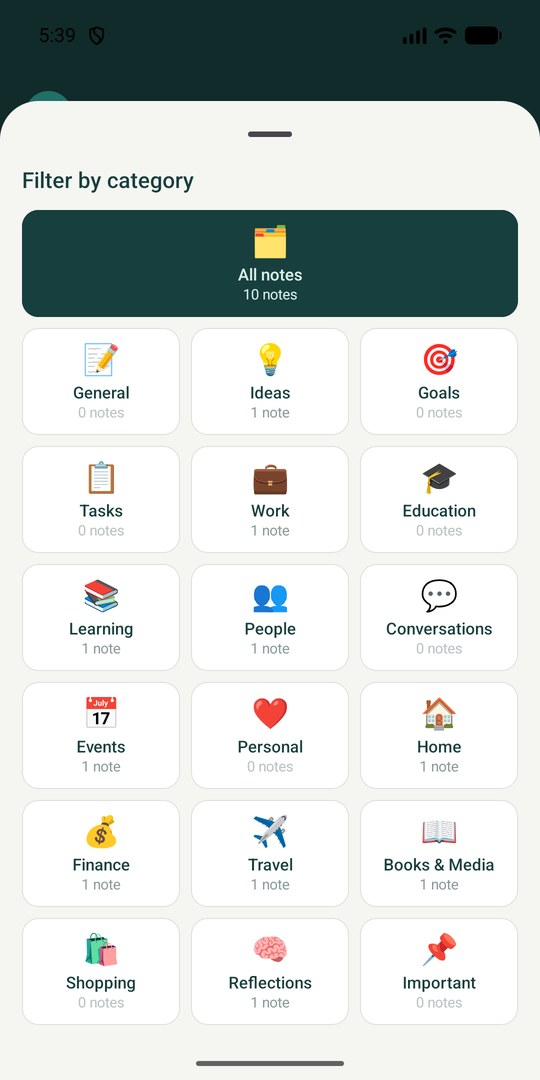
18 ready-made categories, tags, pinning, archive and links between related notes. Search finds words inside your notes, not just titles.
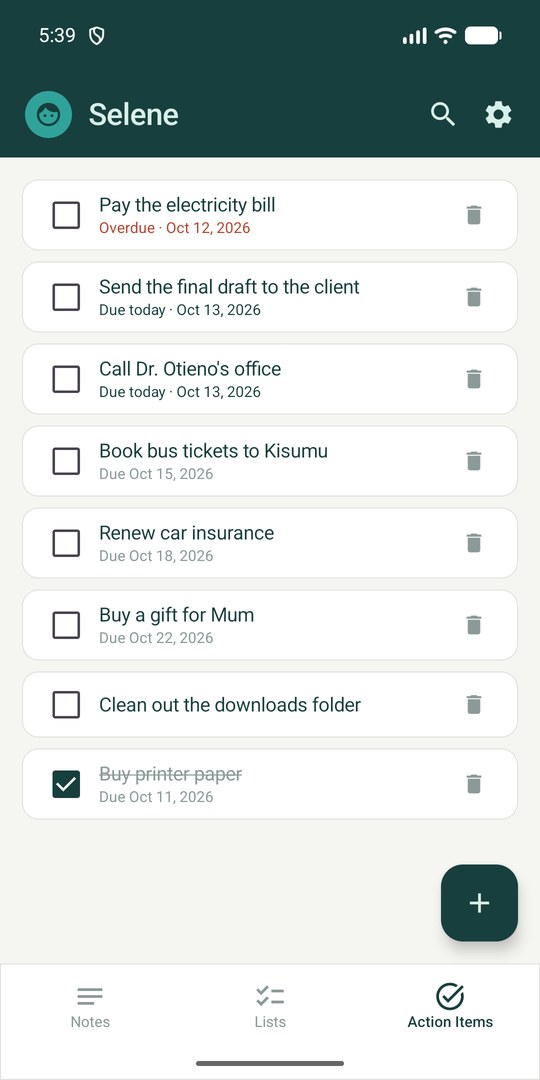
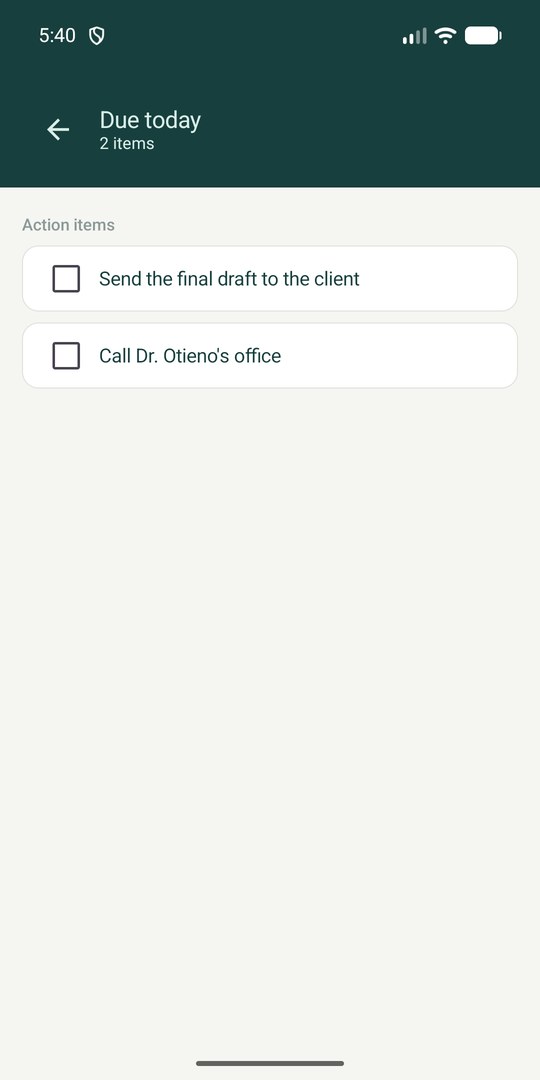
Never miss a date
Add a due date and get a reminder that day. Write “create task call Mum tomorrow” anywhere in a note and Selene turns it into an action item with the date.
Private by design
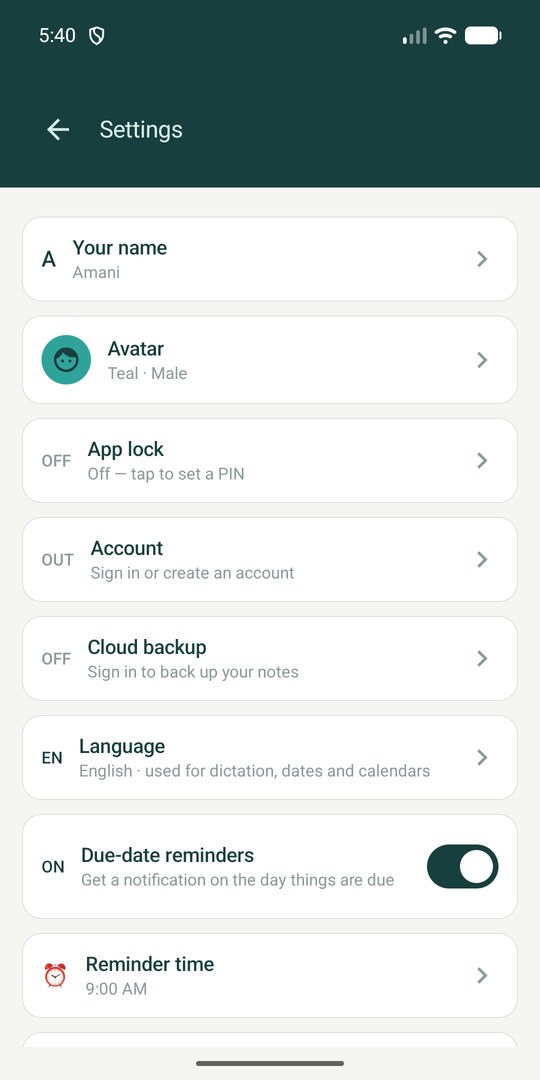
Notes are encrypted on your phone and lock behind a PIN, fingerprint or face. Selene works fully offline and needs no account.
Back up when you want to
Sign in with email or Google to back up your notes and restore them on a new phone. Export everything as a PDF at any time.
Your notes, never lost by accident
Deleted notes wait 30 days in Recently deleted. Archive what you want out of the way but still searchable.
See it in action
Our privacy promise
- Your notes are encrypted on your phone.
- No ads, and we never sell your data.
- Everything works without an account.
- Back up only if you choose to, and delete it whenever you like.
Questions
Do I need an account?
No. Selene works fully without one. An account is only needed if you want cloud backup or to restore your notes on another phone.
Is Selene free?
Yes, the current version is free.
Where are my notes stored?
On your phone, encrypted. If you turn on Cloud backup, the text of your notes, lists and action items is also stored securely under your account. Photos and documents stay on your phone.
Which languages can I dictate in?
Chinese, Dutch, English, French, German, Italian, Japanese, Korean, Portuguese and Spanish.
Does Selene use AI?
Not today. Selene is a private notes app with voice dictation, reminders and optional backup. If AI features are added later, they will be clearly explained, and the privacy policy will be updated first.
Can I take my notes with me?
Yes. Export everything as a PDF to read or print, or as a data file you can restore later. You can also delete your cloud backup or your account whenever you like.